
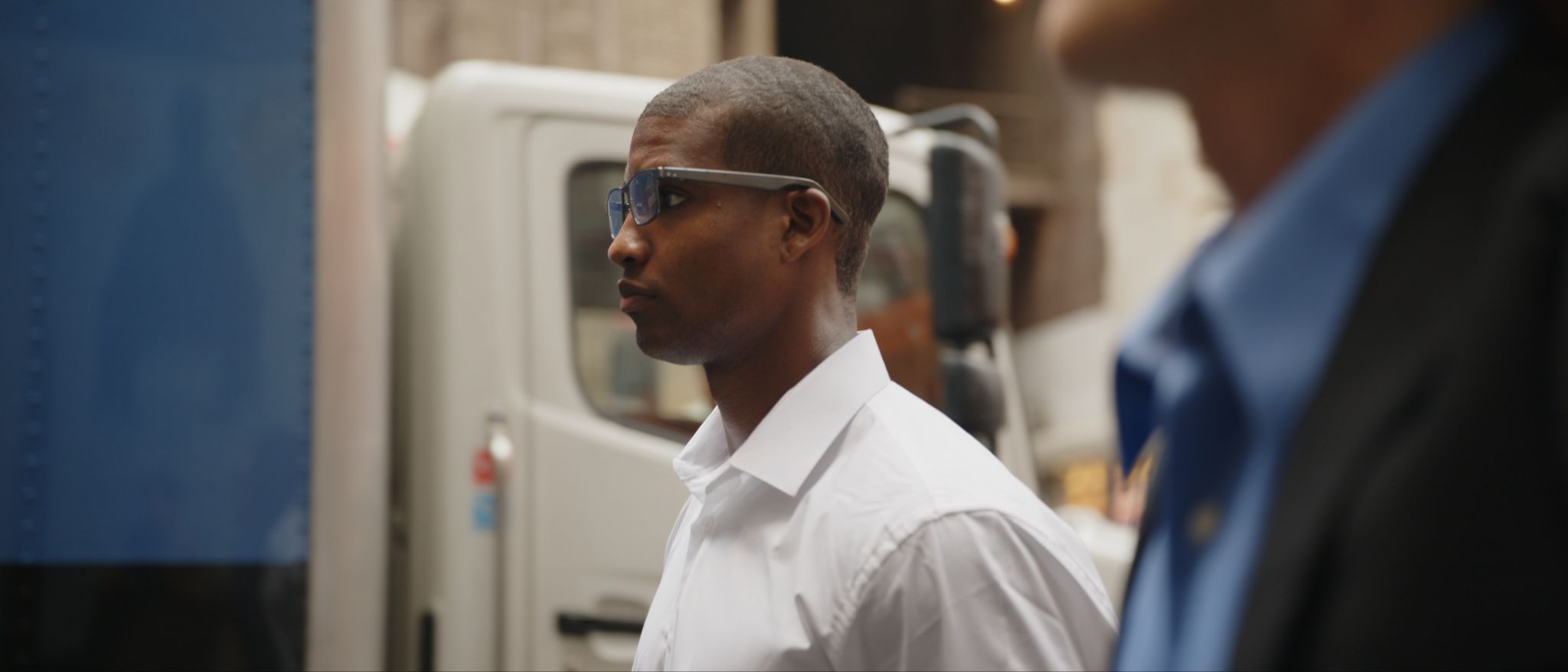
[Image: Dymesty AI glasses urban lifestyle image]
Alt text: Side profile of a professional wearing Dymesty camera-free AI glasses on a busy city street
Caption: Discreet AI glasses support hands-free assistance while maintaining a professional everyday appearance.
Smart glasses have moved quickly from novelty gadget to genuine workplace tool, but their rise has brought a specific concern that many IT and security teams weren't fully prepared for: a growing share of these devices ship with a built-in camera capable of recording photo or video with little visible indication that it's happening. In open-plan offices, client meetings, and shared workspaces, that ambiguity has become a real friction point. Employees have reported feeling uneasy around colleagues wearing camera-equipped eyewear, and several organizations have quietly restricted or banned camera-enabled wearables in sensitive areas altogether, echoing the same policy responses that emerged years earlier around camera-equipped smartwatches.
The industry is beginning to respond to that pressure in a straightforward way: by building smart glasses without a camera at all. Rather than adding privacy modes, indicator lights, or usage policies layered on top of camera hardware, a growing segment of manufacturers are removing the camera entirely and building the rest of the AI feature set — calling, meeting recording, translation, voice assistance — around audio instead of video. For IT and workplace policy teams evaluating this shift, an educational buying guide to camera-free smart glasses is a useful reference point, laying out how this category differs technically and functionally from camera-equipped alternatives, and what to look for when assessing a device for workplace use.
Why Camera-Equipped Wearables Became a Workplace Concern
The core issue isn't that camera-equipped glasses are inherently malicious; it's that they remove a visual cue people have relied on for decades to know when they might be recorded. A handheld phone raised toward someone's face is an obvious, visible act. A pair of glasses that looks identical whether or not it's recording removes that visibility entirely, and that ambiguity is enough to change behavior in shared spaces — conversations become more guarded, meetings feel less private, and organizations handling sensitive client or employee data have a harder time enforcing consistent recording policies when the recording hardware is indistinguishable from ordinary eyewear.
This isn't a hypothetical concern confined to security conferences. Users report growing hesitation around wearing or being near camera-equipped smart glasses in professional settings, and workplace policy teams have increasingly found themselves drafting guidance for a category of device that barely existed in a mainstream form a few years earlier. The comparison to camera-equipped smartwatches is instructive: those devices prompted similar workplace bans in gyms, courtrooms, and secure facilities once the novelty wore off and the practical privacy implications became clear. Smart glasses are following a similar trajectory, but with a meaningfully higher stakes profile, since a camera positioned at eye level captures a far more natural, unbroken view of a room than a wrist-mounted lens ever could.
The Camera-Free Alternative Gaining Ground
Camera-free smart glasses sidestep this problem structurally rather than through policy. Without an image sensor on board, there's no meaningful photo or video capture risk to manage in the first place, which simplifies both the technical security posture and the human trust factor. Employees and visitors don't need to take an organization's word for it that a device isn't recording video; the hardware itself doesn't support it. That distinction matters more in regulated industries — healthcare, legal, finance — where visual data capture carries specific compliance obligations that audio-only devices don't trigger in the same way.
Dymesty as a Case Study in Camera-Free Design
Dymesty AI Glasses offers a useful, concrete example of how this design philosophy plays out in an actual product rather than a theoretical policy discussion. The company builds its entire lineup without a camera, positioning the decision explicitly around privacy and professional use rather than treating it as a cost-cutting compromise. That framing is notable because it reflects a broader shift in how manufacturers are marketing camera-free design: not as a missing feature, but as a deliberate one aimed at exactly the workplace concerns outlined above.
How the Feature Set Compensates for the Missing Camera
Removing the camera doesn't mean removing functionality; it means redirecting the device's AI capabilities toward audio-based tasks. Dymesty's glasses handle calls, real-time meeting recording and summarization, multi-language translation, and voice-assistant functions entirely through microphones and speakers rather than a lens. For a workplace tool, that's arguably a more directly useful feature set than a camera in the first place: most professional use cases — capturing meeting notes, taking calls hands-free, communicating across a language barrier — are audio problems, not visual ones.
What This Looks Like for IT Policy and Procurement
From a procurement and policy standpoint, camera-free hardware simplifies onboarding this category of device into a workplace considerably. Rather than drafting acceptable-use policies specifically addressing when and where a camera-equipped wearable can be worn, IT and security teams can treat a camera-free device closer to how they'd treat a Bluetooth headset — a hands-free communication tool rather than a visual recording device requiring active management. A camera-free design removes photo and video capture risk, but organizations still need clear policies around audio recording and meeting consent. That distinction removes an entire category of visual privacy risk while keeping the remaining audio and data questions visible enough for policy teams to handle directly.
The practical impact shows up during rollout as much as during policy drafting. Security teams evaluating a new wearable device typically need to answer questions about data capture, storage, and transmission before approving it for use on a corporate network or in client-facing roles. A camera-free architecture narrows that review considerably, since there's no video data pipeline, no image storage question, and no need to assess where captured photos or footage might be transmitted or retained. That doesn't remove the review process entirely — audio transcripts, meeting summaries, and voice data still need the same scrutiny any cloud-connected communication tool would receive — but it meaningfully shortens the list of questions a security team has to work through before signing off.
Reviewing the Technical Specifications and Product Details
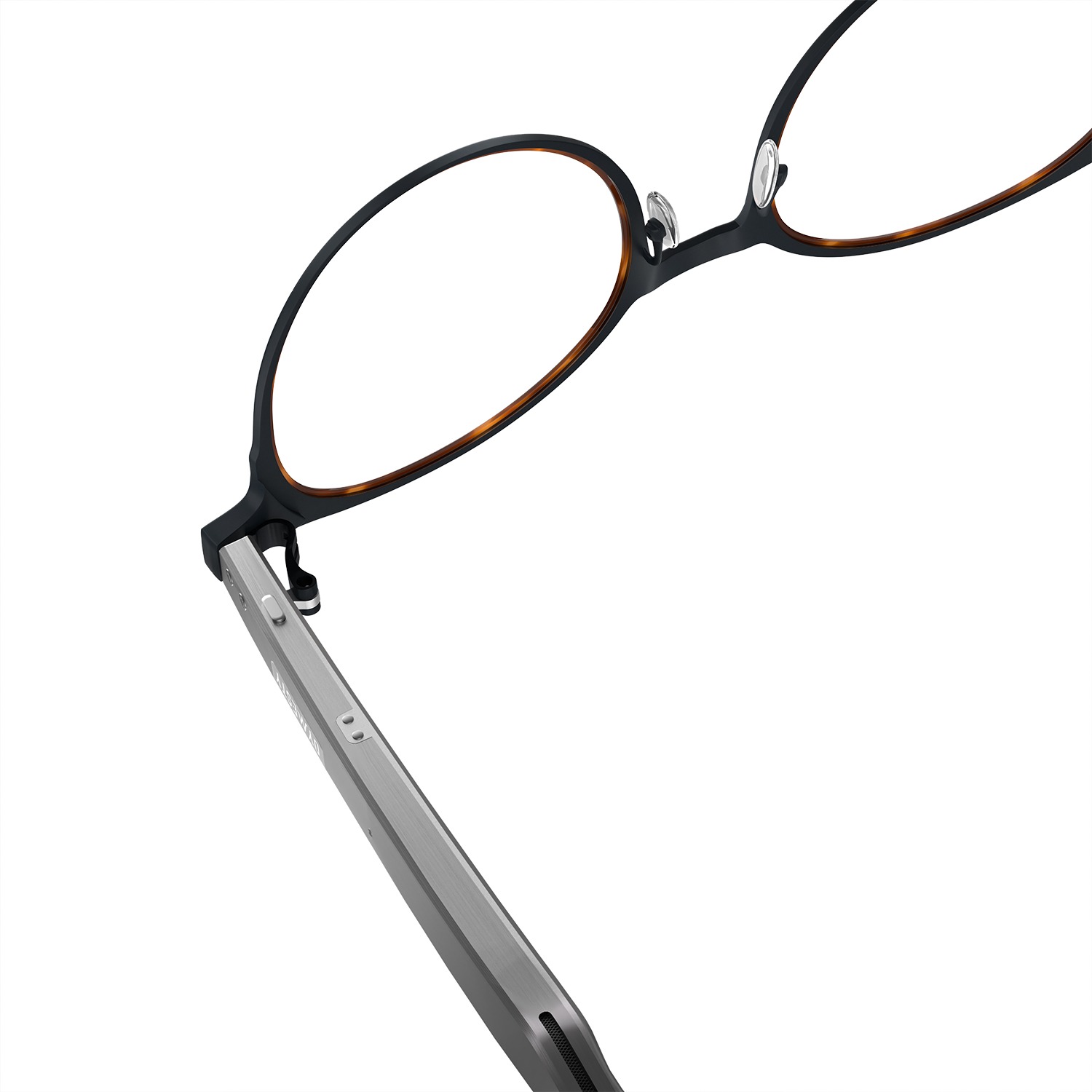
[Image: Dymesty Jobs Circle control detail image]
Alt text: Close-up of black Dymesty Jobs Circle AI glasses showing temple control buttons and speaker opening
Caption: Integrated temple controls provide convenient access to smart audio and AI functions.
For organizations evaluating whether this category fits their environment, the technical details matter as much as the general design philosophy. The official Dymesty's camera-free glasses product listings outline frame materials, battery life, connectivity standards, and the full feature set in detail, which gives IT teams a concrete basis for comparison against existing hands-free communication tools already in use, such as Bluetooth headsets or standalone meeting recorders.
Within Dymesty's current lineup, the Dymesty AI Glasses Jobs Circle illustrates how this camera-free approach carries across different frame styles rather than being limited to a single design. It uses the same audio-first, camera-free feature set as the rest of the collection, built into a rounder frame silhouette — a reminder that the privacy-by-design decision isn't tied to one specific model but applied consistently across the product line.
Where Camera-Free Design Still Has Limits
Camera-free smart glasses are not a complete solution to every workplace wearable-technology concern, and it's worth being clear-eyed about that. Audio recording still requires clear organizational policy and, in many jurisdictions, some form of consent from participants in a conversation, so removing the camera doesn't eliminate every privacy consideration around meeting recording. Organizations that specifically need visual documentation — safety inspections, remote visual assistance, or similar use cases — will find a camera-free device fundamentally unsuited to that task, since there's no way to add visual capture back into a device that was never built to support it.
An Independent Assessment of Where This Fits Best
Camera-free smart glasses appear best suited to office-based and client-facing professionals whose core need is hands-free calling, meeting documentation, and cross-language communication, particularly in environments where a camera-equipped wearable would raise legitimate discomfort or policy complications among colleagues and clients. They're a weaker fit for use cases genuinely built around visual capture, where the absence of a camera isn't a privacy feature but a functional gap. For the growing category of IT and security teams weighing how to accommodate AI wearables without opening a new visual-privacy liability, camera-free design represents a structurally simpler answer than policy alone — not because it solves every concern, but because it removes an entire category of ambiguity from the workplace conversation.